 Contact Support
 Sign In


Knowing what and where your web server is located can be important for optimizing performance, ensuring compliance with data privacy regulations, and troubleshooting issues.
TABLE OF CONTENTS
What is a Web Server?
A web hosting server is a software and hardware system that processes and delivers web pages to users over the internet. When a user enters a website URL in their browser, the web server retrieves the requested files (such as HTML, CSS, images, and scripts) from its storage and sends them to the user’s device for display.
Web servers use the Hypertext Transfer Protocol Secure (HTTPS) for secure communication to handle requests and responses between clients (web browsers) and the server. Some web servers also support additional tools like FTP (File Transfer Protocol) for file sharing and SMTP (Simple Mail Transfer Protocol) for email services.
Web Server Infrastructure
- Software: Programs like Apache, Nginx, LiteSpeed, and Microsoft IIS that run on a physical or virtual server.
- Hardware: Physical machines dedicated to storing and delivering web content.
Contact Your Hosting Provider
If you need to find out where your web server is, follow these steps:
1. Reach out to the Hosted.com® Customer Support team or current hosting provider via email or by submitting a help desk request by logging a ticket.
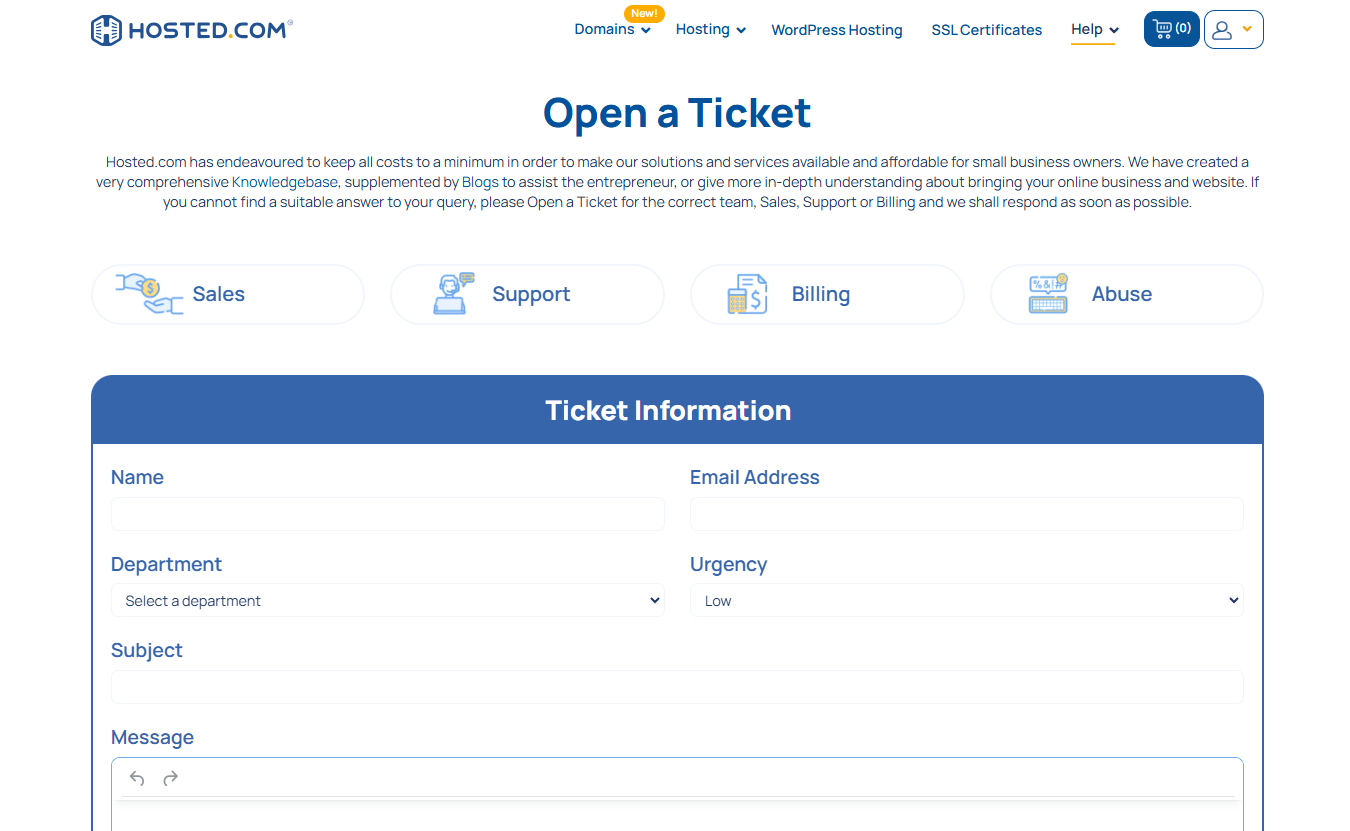
2. Request information about the physical location of your web server.
Send Details to Support (If required)
If our Hosted.com® support team requests additional information, such as your previous hosting company or to verify your identity, please provide them with the necessary details. They may offer specific guidance based on your web hosting setup and requirements. Following their instructions ensures a smooth and secure process.
Additional Information
Alternative Methods for Finding Web Server Location
While contacting your hosting provider is the most direct method, there are alternative ways to find a website’s server location:
Use IP Address Lookup Tools
Find your website’s IP address using tools like Command Prompt (tracert command) or online services like ip-address.com. Use an IP lookup tool to find the geographical location associated with that IP address.
Note: IP geolocation isn’t always perfectly accurate. It might pinpoint the general area or city but not the exact server location. Content Delivery Networks (CDNs) can mask the actual server location, showing the CDN’s edge server location instead.
WHOIS Database Search
WHOIS databases store registration information for domain names. It can reveal the domain name registration service and potentially the hosting provider, which might provide clues about the server location. Sometimes, the hosting provider’s address is listed.
Perform a WHOIS search on your domain name to gather information about its registration and potential hosting details.
DNS Record Analysis
Examine DNS (Domain Name System) records, such as A records, CNAME and MX records, for possible details about the server’s location. Name Server records show which servers are responsible for the domain’s DNS. Analysing the name can give hints about the hosting provider.
Functions of a Web Hosting Server
- Processing Requests: This handles user requests via HTTP/HTTPS, retrieving and delivering web pages, files, and API responses.
- Serving Content: Delivers static (HTML, CSS, images) and dynamic (database-driven) content, often using caching for faster performance.
- Security Management: Implements SSL/TLS encryption, firewalls, authentication, and IP filtering to protect against cyber threats.
- Load Balancing: This distributes traffic across multiple servers to ensure high availability, faster response times, and reduced server overload.
- Logging and Monitoring: Tracks server activity, logs errors, detects security threats, and provides insights for troubleshooting and performance optimization.
- Supporting Web Applications: Works with databases and server-side scripting (PHP, etc.) to power interactive websites and web applications.


